Baby Monitor Not Connecting? How to Fix HelloBaby HB6550-2 Setup Issues
Troubleshoot HelloBaby HB6550-2 baby monitor connection problems. Learn quick fixes for camera pairing, range issues, and screen display errors.
Baby Monitor Won't Connect: Quick Troubleshooting Guide
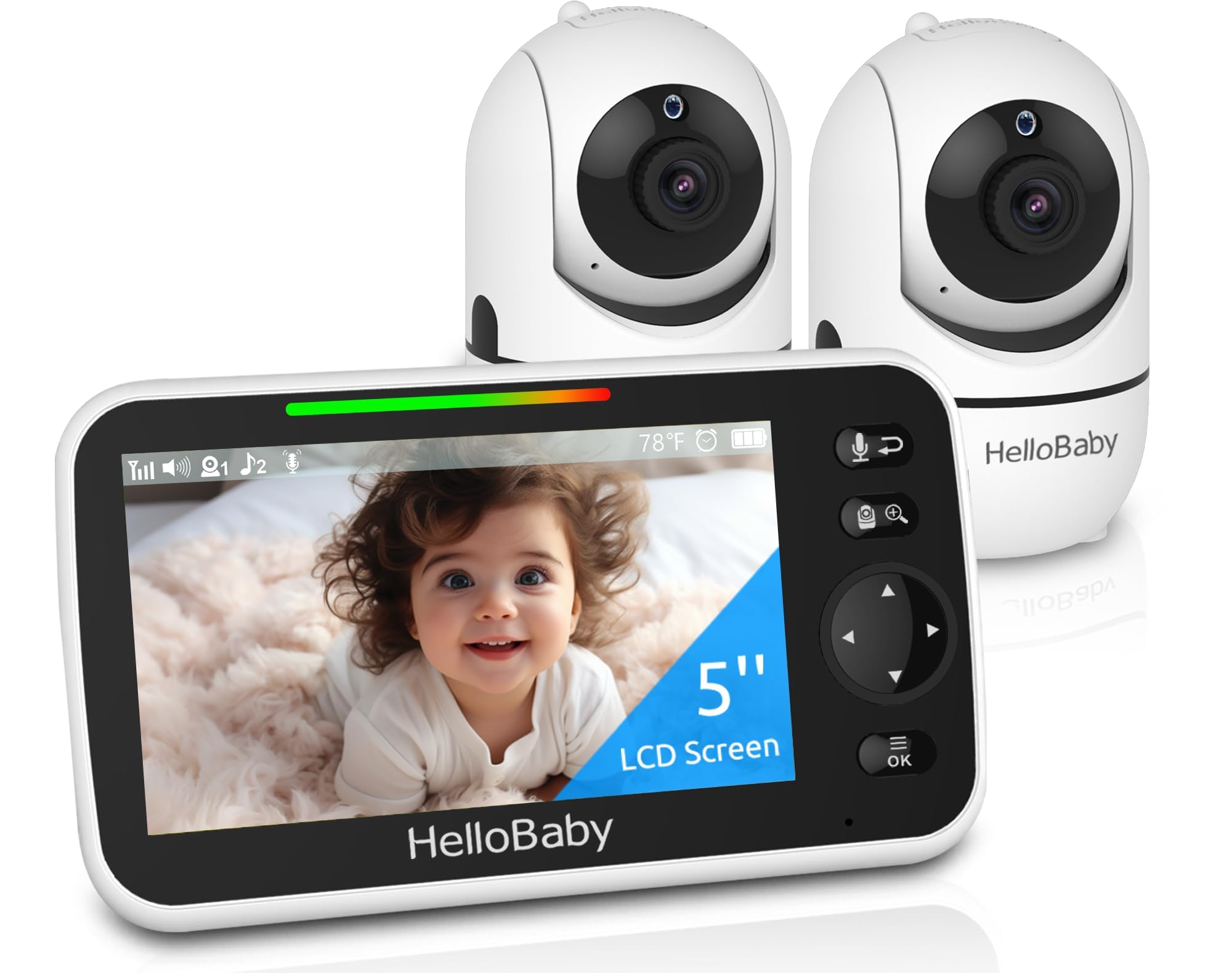
If your HelloBaby HB6550-2 baby monitor isn't connecting or displaying video from both cameras, you're not alone. Connection problems typically show up as a blank screen, intermittent signal loss, or cameras that won't pair with the parent unit. The good news: most issues resolve with basic troubleshooting steps.
Common Causes of Connection Problems
The HelloBaby HB6550-2 uses a 2.4GHz FHSS private link—no WiFi required—so connection issues usually stem from a few specific problems:
- Antenna not extended: The monitor supports up to 1000ft range outdoors, but only when the antenna is fully extended on both the parent unit and cameras.
- Distance or obstacles: Thick walls, metal structures, and interference from other 2.4GHz devices (microwaves, cordless phones) weaken the signal indoors.
- Camera pairing lost: Power interruptions or accidental resets can disconnect pre-paired cameras.
- Low battery on parent unit: The 30-hour battery may cause signal drops when power is critically low.
How to Fix Connection Issues
Start with these steps in order:
- Extend all antennas fully on the parent unit and both cameras. This is the most common oversight.
- Power cycle everything: Unplug both cameras and the parent unit for 30 seconds, then plug cameras in first, followed by the parent unit.
- Re-pair the cameras: If cameras still don't appear, hold the pairing button on each camera while the parent unit is on. The HB6550-2 comes pre-connected, but manual pairing may be needed after a reset.
- Reduce distance: Move the parent unit closer to the cameras temporarily to confirm the signal is strong. Then gradually increase distance.
- Check for interference: Move the monitor away from WiFi routers, microwaves, and baby room humidifiers that can disrupt 2.4GHz signals.
When Range Is Still Too Short
If you're still getting dropouts within 300-400 feet indoors, the issue is likely structural. The 1000ft range is outdoor line-of-sight. Inside a typical home with drywall and furniture, expect 300-500ft effective range. Consider repositioning cameras to higher shelves or doorways for clearer line-of-sight.
Who Should Use This Monitor
The HelloBaby HB6550-2 works well for parents monitoring two rooms (nursery and playroom, or twins in separate cribs) who want a no-WiFi, plug-and-play solution. The 5-inch screen, remote pan/tilt/zoom, and 30-hour battery make it practical for multi-room use without app dependency or hacking risk.
Who Should Skip It
If you need true split-screen viewing of both cameras simultaneously, this isn't it—the HB6550-2 shows one camera at a time with quick switching. Parents who need more than 500ft indoor range or live in homes with heavy concrete/brick construction may experience signal limits.
Related Buying Guides
- How to Monitor Your Baby Without WiFi or Cloud Accounts
- 3 Best Non-WiFi Baby Monitors with Long Battery Life in 2026
- VTech VM819 vs HelloBaby HB6550 vs HelloBaby HB6560: Which No-WiFi Baby Monitor is Right for You?
- VTech VM819 Baby Monitor Guide: No WiFi Setup for New Parents
- Best No-WiFi Baby Monitors for Privacy and Long Battery Life in 2026
- HelloBaby 6" IPS Video Baby Monitor FAQ: Is the 30-Hour Battery Worth It?