HelloBaby Monitor Not Connecting? Quick Fixes for HB6550 Setup Issues
Troubleshoot HelloBaby HB6550 baby monitor connection problems. Step-by-step fixes for pairing issues, blank screens, and signal loss with this non-WiFi monitor.
HelloBaby Monitor Won't Connect: What's Happening
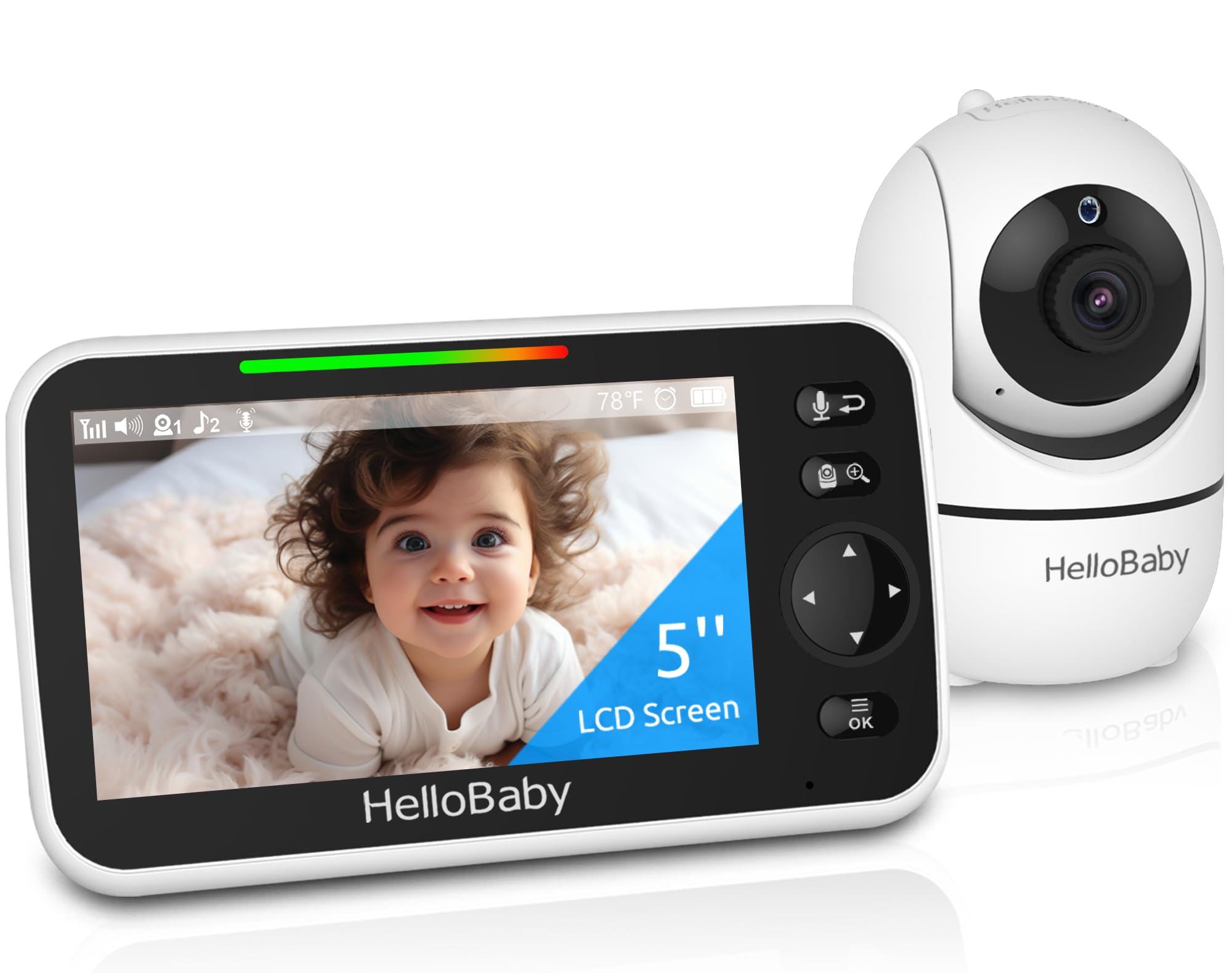
If your HelloBaby HB6550 baby monitor shows a blank screen, won't pair with the camera, or keeps losing signal, you're dealing with a common setup issue. This non-WiFi monitor uses 2.4GHz FHSS wireless transmission between the camera and handheld screen, and connection problems usually stem from pairing errors, interference, or power cycling needs.
Why Your HelloBaby HB6550 Loses Connection
The most common causes for the HelloBaby HB6550 not connecting include:
- Unpaired devices: The camera and monitor need manual pairing if you reset either unit or used multiple cameras.
- Distance or obstacles: Though rated for 1000ft range, walls, metal objects, and other wireless devices reduce signal strength.
- Power interruption: A brief power loss can break the link between camera and monitor.
- Interference: Microwaves, routers, and cordless phones on 2.4GHz can cause dropout or static.
Step-by-Step Fix for HelloBaby Connection Problems
Re-Pair the Camera and Monitor
Turn on the monitor. Press and hold the pair button on the back of the camera for 3 seconds until the indicator light flashes. On the monitor screen, navigate to the pairing menu and select the camera channel. Wait 10-15 seconds for the video feed to appear. This resolves most no-signal issues.
Check Power and Battery
The HB6550 offers a 30-hour rechargeable battery, but if the monitor or camera loses power mid-use, the connection drops. Plug both units into AC power, wait 30 seconds, then power them on in sequence: camera first, monitor second.
Reduce Wireless Interference
Move the camera away from WiFi routers, baby swings with Bluetooth, or microwave ovens. Keep the monitor within 300 feet indoors for stable video. The digital encryption prevents hacking but doesn't eliminate physical interference.
Reset to Factory Settings
If pairing fails repeatedly, perform a full reset. Hold the reset pinhole button on the camera for 10 seconds. Restart the monitor and re-pair from scratch. This clears any corrupt pairing data.
Who This Monitor Works Best For
The HelloBaby HB6550 suits parents who want a no-WiFi, plug-and-play monitor with remote pan-tilt control and infrared night vision. The 5-inch screen and 2-way audio make nighttime checks easier without entering the nursery. It's ideal if you avoid app-based monitors or live in areas with unreliable internet.
When to Skip This Model
If you need smartphone alerts, cloud recording, or multi-room coverage with more than two cameras, a WiFi-enabled monitor offers more flexibility. The HB6550 is a dedicated video monitor with no app integration.
Related Buying Guides
- How to Monitor Your Baby Without WiFi or Cloud Accounts
- 3 Best Non-WiFi Baby Monitors with Long Battery Life in 2026
- VTech VM819 vs HelloBaby HB6550 vs HelloBaby HB6560: Which No-WiFi Baby Monitor is Right for You?
- VTech VM819 Baby Monitor Guide: No WiFi Setup for New Parents
- Best No-WiFi Baby Monitors for Privacy and Long Battery Life in 2026
- HelloBaby 6" IPS Video Baby Monitor FAQ: Is the 30-Hour Battery Worth It?