How to Set Up and Maintain Your Non-WiFi Baby Monitor for Reliable Performance
Learn how to properly set up, position, and maintain your non-WiFi baby monitor for clear video, long battery life, and dependable performance.
Why Your Non-WiFi Baby Monitor Needs Proper Setup and Care
A non-WiFi baby monitor offers privacy and reliability without internet dependence, but it still needs correct positioning, regular charging, and simple maintenance to work at its best. Without proper setup, you might experience weak signals, poor night vision, or unnecessary battery drain.
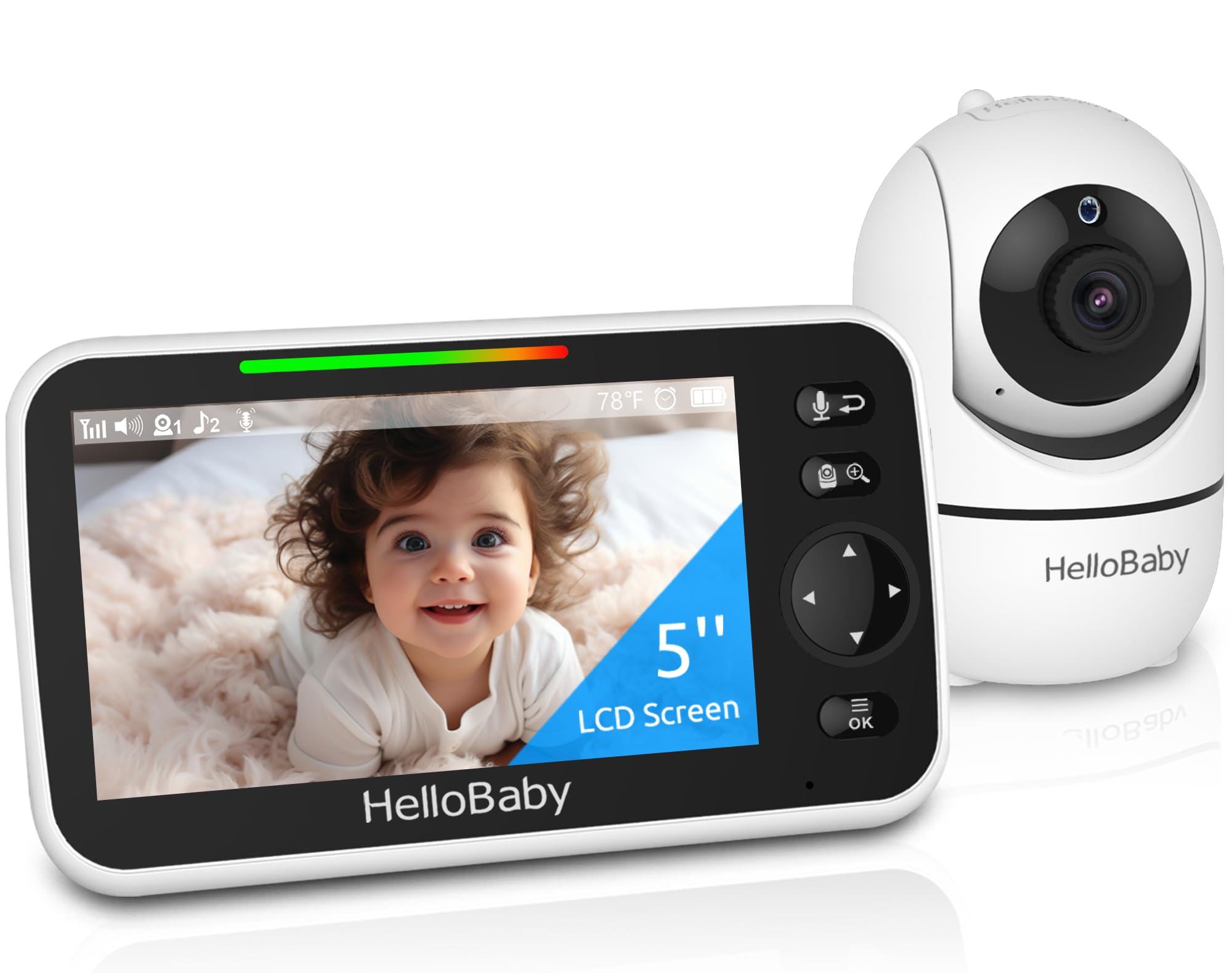
Initial Setup Steps
Start by fully charging both the monitor and camera before first use. The HelloBaby HB6550 offers up to 30 hours of battery life when optimized, so a full initial charge sets the foundation for reliable operation.
Place the camera 5 to 8 feet from the crib at a height that captures the full sleeping area. Use the remote pan and tilt features to adjust the 355° horizontal and 120° vertical range until you have a clear view. Avoid placing the camera directly above heat sources or in direct sunlight, which can interfere with temperature readings and night vision clarity.
Keep the parent monitor within 1000 feet of the camera for optimal signal strength. Thick walls and metal structures can reduce range, so test the connection from your usual spots around the house.
Routine Maintenance for Long-Term Performance
Check the camera lens monthly and wipe it gently with a microfiber cloth to remove dust that can blur the image. The infrared night vision LEDs are invisible and won't disturb sleep, but dust buildup can reduce their effectiveness.
Recharge the monitor before the battery drops below 20% to preserve battery health over time. If you use VOX mode, which activates the screen only when sound is detected, you'll extend battery life significantly compared to continuous display mode.
Periodically verify that the two-way audio is clear by testing it from another room. If you hear static or delay, move the monitor closer to the camera or remove any new electronic devices that might cause interference.
When to Replace or Upgrade
If the battery no longer holds a charge for more than a few hours after two years of use, it may be time to contact the manufacturer about replacement options. Similarly, if the screen develops dead pixels or the night vision becomes dim despite cleaning, consider an upgrade.
Who This Monitor Works Best For
The HelloBaby HB6550 is ideal for parents who want a secure, hack-free monitor with no monthly fees or internet requirements. The large 5-inch screen, long battery life, and remote camera control make it practical for everyday use.
Who Should Look Elsewhere
If you need smartphone access or cloud recording, a WiFi-enabled model would be a better fit. This monitor is designed for local, private monitoring only.
Related Buying Guides
- How to Monitor Your Baby Without WiFi or Cloud Accounts
- 3 Best Non-WiFi Baby Monitors with Long Battery Life in 2026
- VTech VM819 vs HelloBaby HB6550 vs HelloBaby HB6560: Which No-WiFi Baby Monitor is Right for You?
- VTech VM819 Baby Monitor Guide: No WiFi Setup for New Parents
- Best No-WiFi Baby Monitors for Privacy and Long Battery Life in 2026
- HelloBaby 6" IPS Video Baby Monitor FAQ: Is the 30-Hour Battery Worth It?