How to Set Up a Two-Room Baby Monitor Without WiFi
Learn how to set up and maintain a dual-camera baby monitor system without WiFi. Simple steps for reliable, hack-proof monitoring across two rooms.
Why Choose a Non-WiFi Baby Monitor for Multiple Rooms
Parents monitoring two children in separate rooms face a common challenge: keeping both kids visible without compromising security or dealing with internet outages. A dedicated non-WiFi baby monitor system solves this by using secure 2.4GHz FHSS technology that works independently of your home network. No apps, no router dependencies, and no hacking risks.
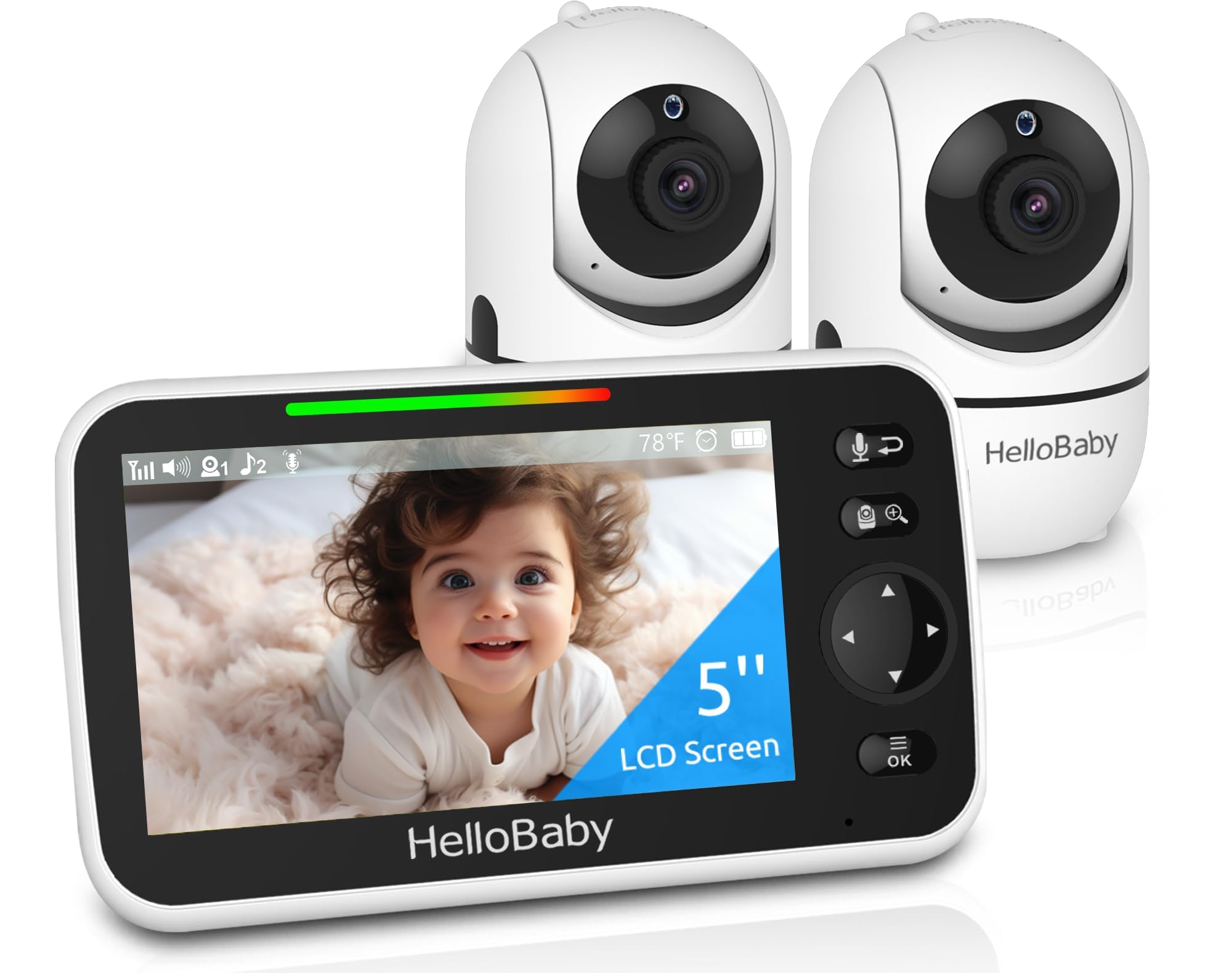
Setting Up Your Dual-Camera Monitor System
The HelloBaby HB6550-2 arrives with both cameras pre-paired to the 5-inch display, eliminating setup frustration. Simply plug in the cameras in each room, power on the parent unit, and you're monitoring within minutes.
Initial Setup Steps
- Position cameras 6-8 feet from cribs for optimal viewing angles
- Extend the monitor antenna fully to maximize the 1000-foot outdoor range
- Mount cameras using the included hardware or place on stable surfaces
- Test pan, tilt, and zoom functions from the parent unit to frame each room correctly
Switching Between Rooms
The single-view display shows one room at full size rather than splitting the screen into tiny tiles. Toggle between cameras with one tap, or enable auto-switching to cycle views every 8-12 seconds. This design prevents the audio confusion and visual clutter of split-screen systems.
Routine Maintenance Tips
Keep your system running smoothly with these simple habits:
- Wipe camera lenses monthly with a microfiber cloth to maintain night vision clarity
- Recharge the parent unit before the battery indicator drops below 20% to preserve the 30-hour battery life
- Check camera angles weekly as children grow and move differently in their cribs
- Keep the 2.4GHz frequency clear by placing cameras away from microwaves and cordless phones
When to Use VOX Mode
VOX (voice-activated) mode wakes the display only when sound is detected, extending battery life overnight. Adjust sensitivity in the settings menu if the monitor triggers too often or misses quiet sounds. For newborns, keep VOX off to maintain continuous visual monitoring.
Who This System Works Best For
This setup is ideal for parents with two children in separate rooms, families in areas with unreliable internet, or anyone prioritizing privacy over app-based monitoring. The plug-and-play design suits tech-averse users, while remote pan-tilt-zoom appeals to parents who want control without entering dark rooms.
Skip this option if you need simultaneous split-screen viewing of both rooms or want smartphone access when away from home.
Related Buying Guides
- How to Monitor Your Baby Without WiFi or Cloud Accounts
- 3 Best Non-WiFi Baby Monitors with Long Battery Life in 2026
- VTech VM819 vs HelloBaby HB6550 vs HelloBaby HB6560: Which No-WiFi Baby Monitor is Right for You?
- VTech VM819 Baby Monitor Guide: No WiFi Setup for New Parents
- Best No-WiFi Baby Monitors for Privacy and Long Battery Life in 2026
- HelloBaby 6" IPS Video Baby Monitor FAQ: Is the 30-Hour Battery Worth It?